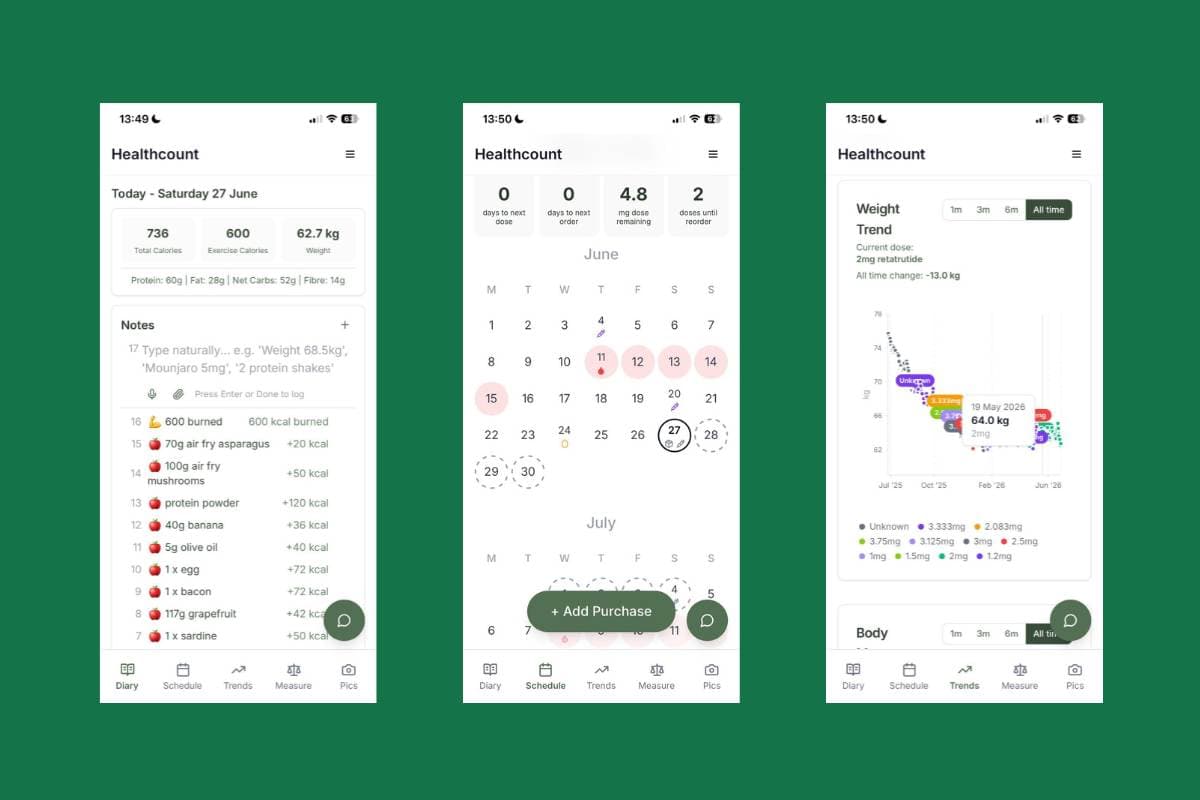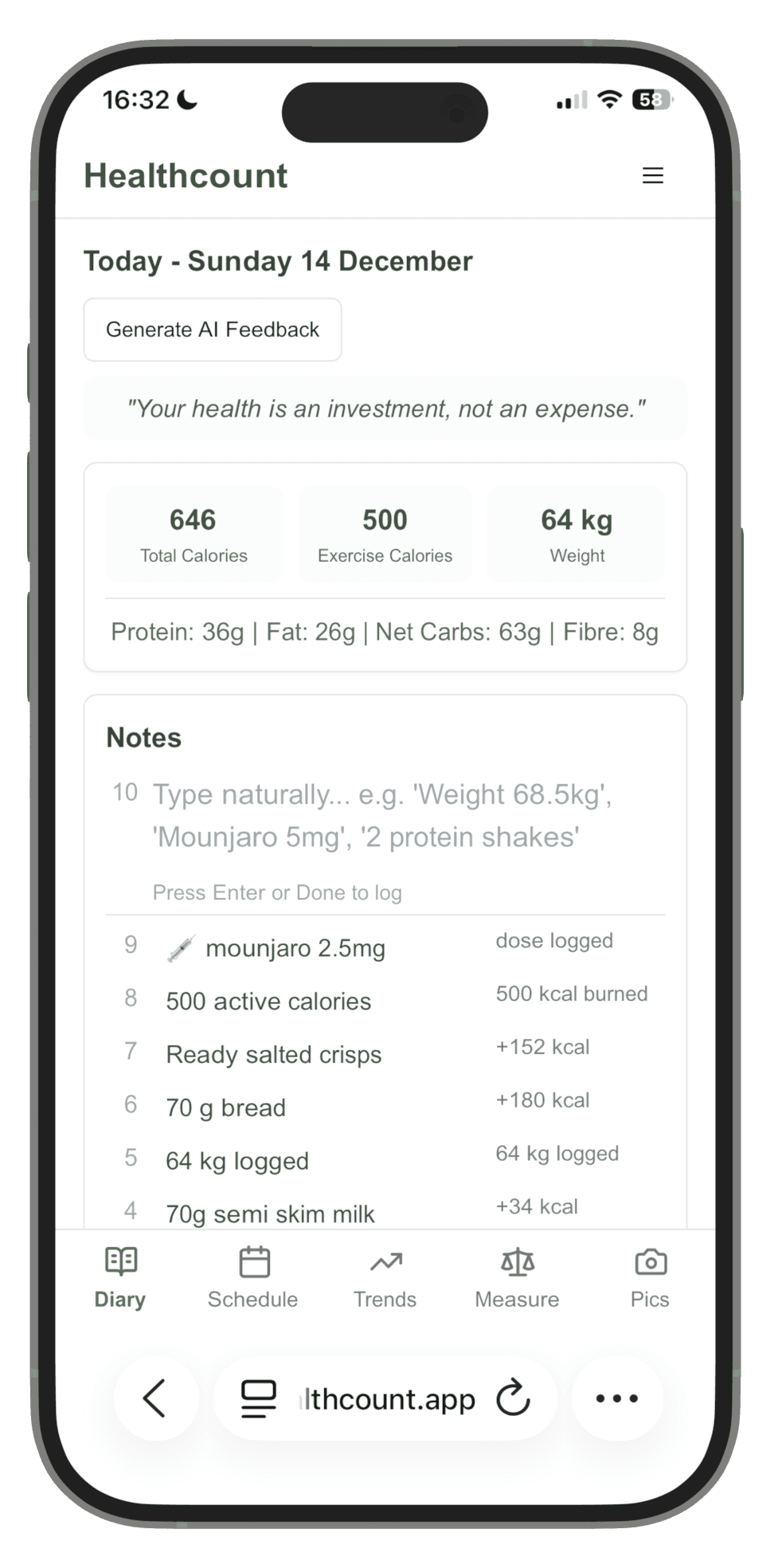
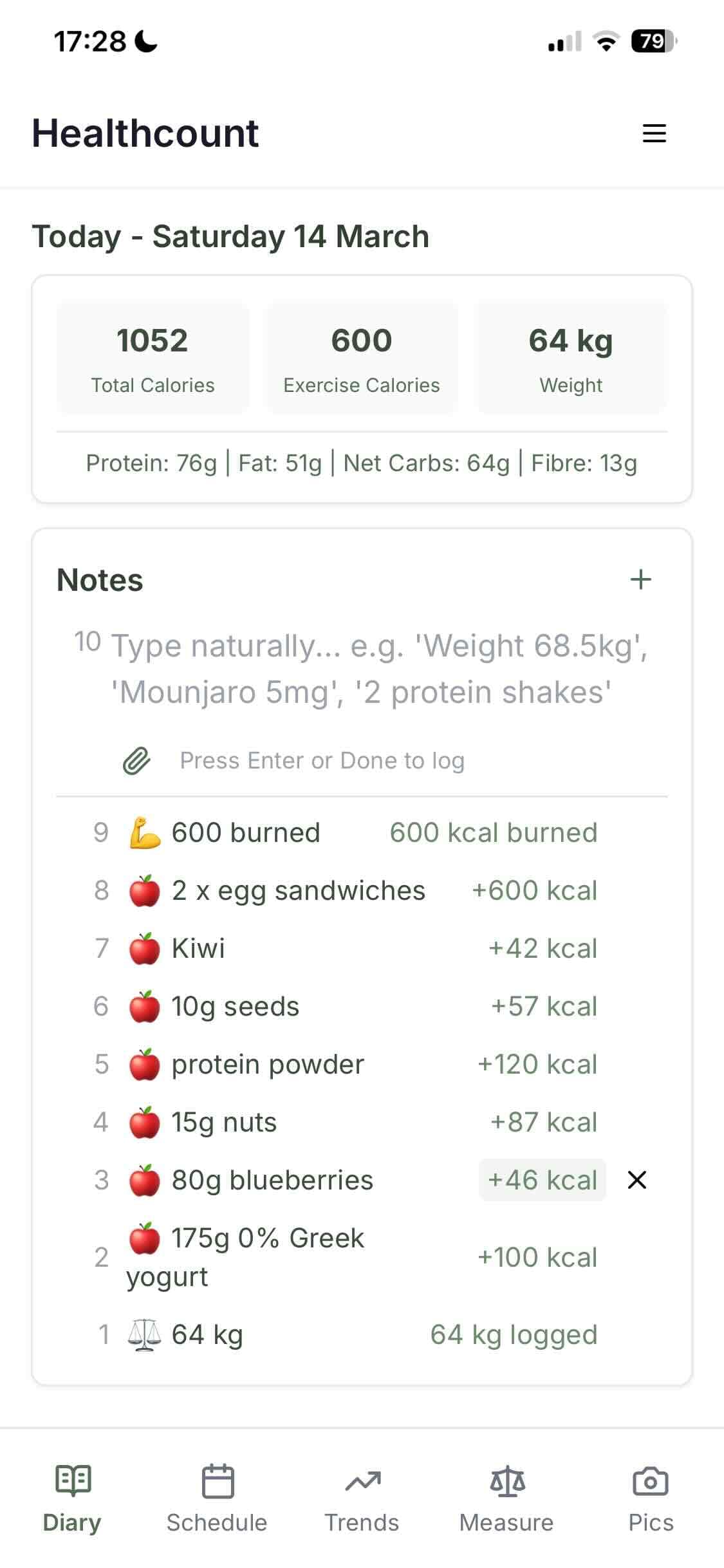
The full Healthcount app, one tap from your home screen
You don't need the App Store or Google Play to put Healthcount on your phone. Healthcount is a web app, so you can add it to your home screen in a few taps — it then opens full-screen with its own icon, exactly like a downloaded app. Here's how, on both iPhone and Android.
Why add it to your home screen
It's the same secure Healthcount app you use in the browser, but pinned to your phone so it:
- Opens with one tap from a home-screen icon
- Runs full-screen, without the browser address bar
- Loads faster on repeat visits
- Keeps you signed in, so logging your day takes seconds
iPhone & iPad (Safari)
On iPhone and iPad you must use Safari (not Chrome) for this to work.
- Open healthcount.app in Safari.
- Tap the Share button — the square with an upward arrow, at the bottom of the screen (or top on iPad).
- Scroll down the share sheet and tap Add to Home Screen.
- Adjust the name if you like, then tap Add (top right).
- You'll find the Healthcount icon on your home screen — tap it to open.
Android (Chrome)
- Open healthcount.app in Chrome.
- Tap the three-dot menu (top right).
- Tap Add to Home screen (sometimes shown as Install app).
- Tap Add / Install to confirm.
- The Healthcount icon appears on your home screen — tap it to open.
Some Android phones also show a small "Install" banner or icon in the address bar when you visit — tapping that does the same thing.
Troubleshooting
- No "Add to Home Screen" on iPhone? You're probably in Chrome or another browser. Open the site in Safari and try again.
- Can't find the icon afterwards? Check your other home-screen pages or your App Library / app drawer, then drag it where you want it.
- Want to remove it? Press and hold the icon and choose Remove/Uninstall — this just removes the shortcut; your account and data are safe.
Ready to start tracking?
Open Healthcount, then add it to your home screen using the steps above.
Open HealthcountFAQs
Do I need to download anything from an app store?
No. Adding Healthcount to your home screen gives you an app-like icon and full-screen experience with no store account or download.
Is the home-screen version different from the website?
It's the same secure app — just pinned to your home screen so it's quicker to open.
Will my data sync?
Yes. You're signed into the same account whether you open Healthcount in the browser or from the home-screen icon.